Track your order
Enter the order reference from your confirmation page to see whether payment is confirmed and the order is with delivery.
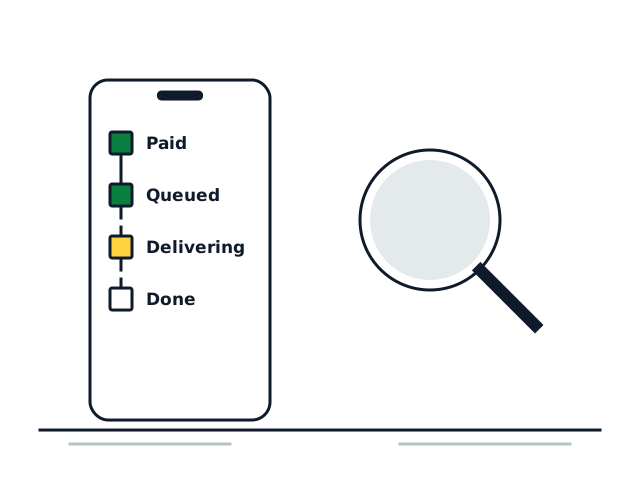
Enter the reference from your confirmation page. It starts with ord_.
Where to find your order reference
After you pay, you return to a confirmation page that shows the reference, a string that begins with ord_. It is also attached to the order on our side, so quoting it in an email lets us find your order immediately. Save it somewhere; you need it for a refill.
What each stage means
| Stage | What it means | What to do |
|---|---|---|
| Order placed | Your cart reached checkout, but payment isn’t confirmed yet | If you paid, wait a minute and check again |
| Payment confirmed | Payment arrived and the order is being handed to delivery | Nothing; the first arrivals normally follow within minutes |
| With delivery | The order is queued and arriving in batches | Stay public under the same handle |
| Being checked | Something needs a person to look at it, often a link or username problem | Watch your email; we will contact you |
Tracking shows the stage of the order, not a live follower count. To see the count, look at the profile, post or video itself. The usual windows for each size are on the delivery-time page.
Why tracking doesn’t show the link
The tracking page deliberately shows only the order’s stage and its package sizes. It never shows the username, the link or any payment details, because anyone who has the reference can open it. If you need those details, email support@followersdelivery.com from the address you used at checkout.
When the stage hasn’t changed
- Stuck on “Order placed” for more than ten minutes after paying: check your email for the receipt, then write to us with it.
- “With delivery” but the count isn’t moving after several hours: go through the stalled-order checklist.
- “Being checked”: usually a private account or a removed post. Fix what you can and reply to our email.